Home Templates About Contact Browse Templates
Templates Productivity OS
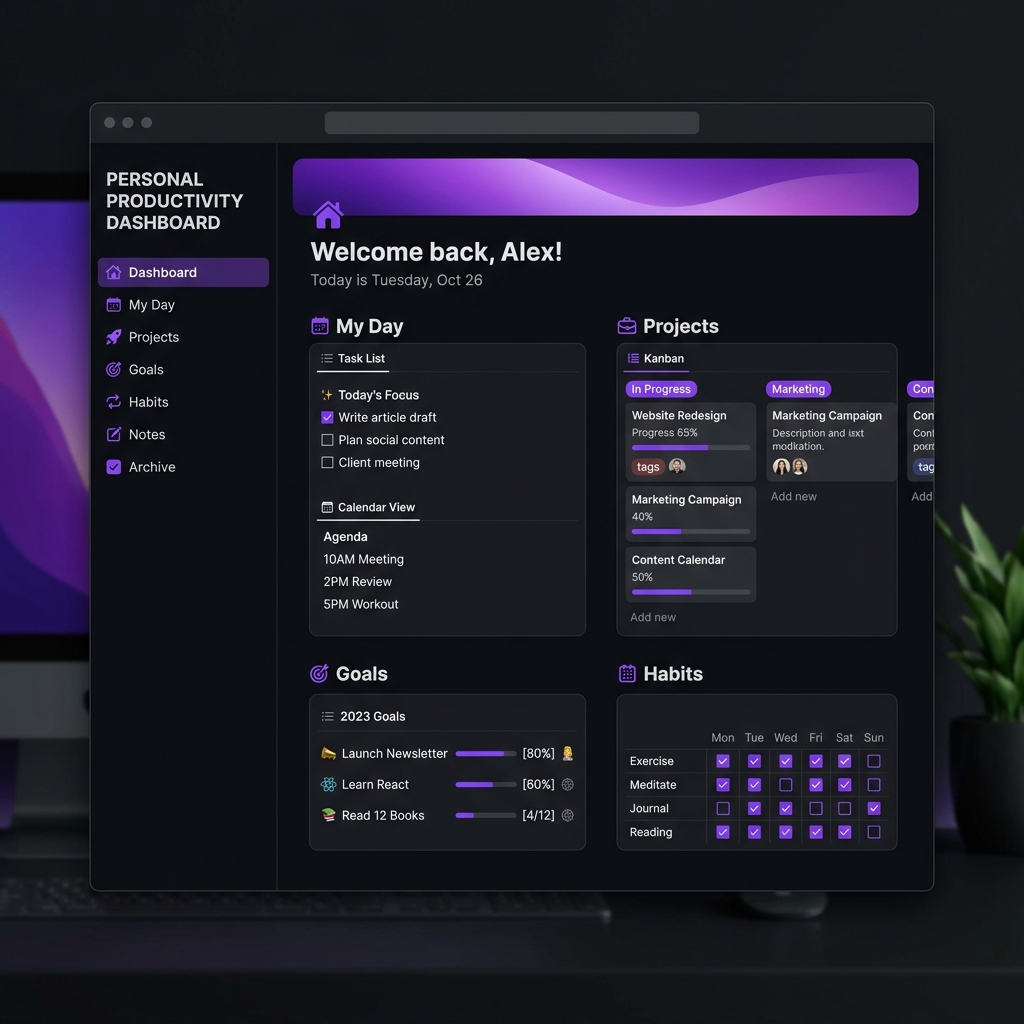
notion.so/notivate/productivity-os — Preview
Productivity OS Notion template full preview
New release!
New release!
7-day guarantee

What's Included

  • 📋 Master Task Manager with priority levels & deadlines
  • 🎯 Goals tracker with quarterly & annual views
  • 🔄 Daily review system with journal prompts
  • 📊 Habit tracker with streak visualization
  • 🗂️ Project dashboard with kanban & timeline views
  • 📚 Reading & learning log
  • 💡 Ideas & inspiration capture system
  • 🏷️ Weekly planning template
  • 📎 Quick links & resource hub
  • 📖 Full setup guide PDF
  • 🎨 Light & dark color variants
  • 🔔 Reminder & notification setup guide

Who Is It For?

Professionals juggling multiple projects and responsibilities
Entrepreneurs who want to replace 5 apps with one Notion workspace
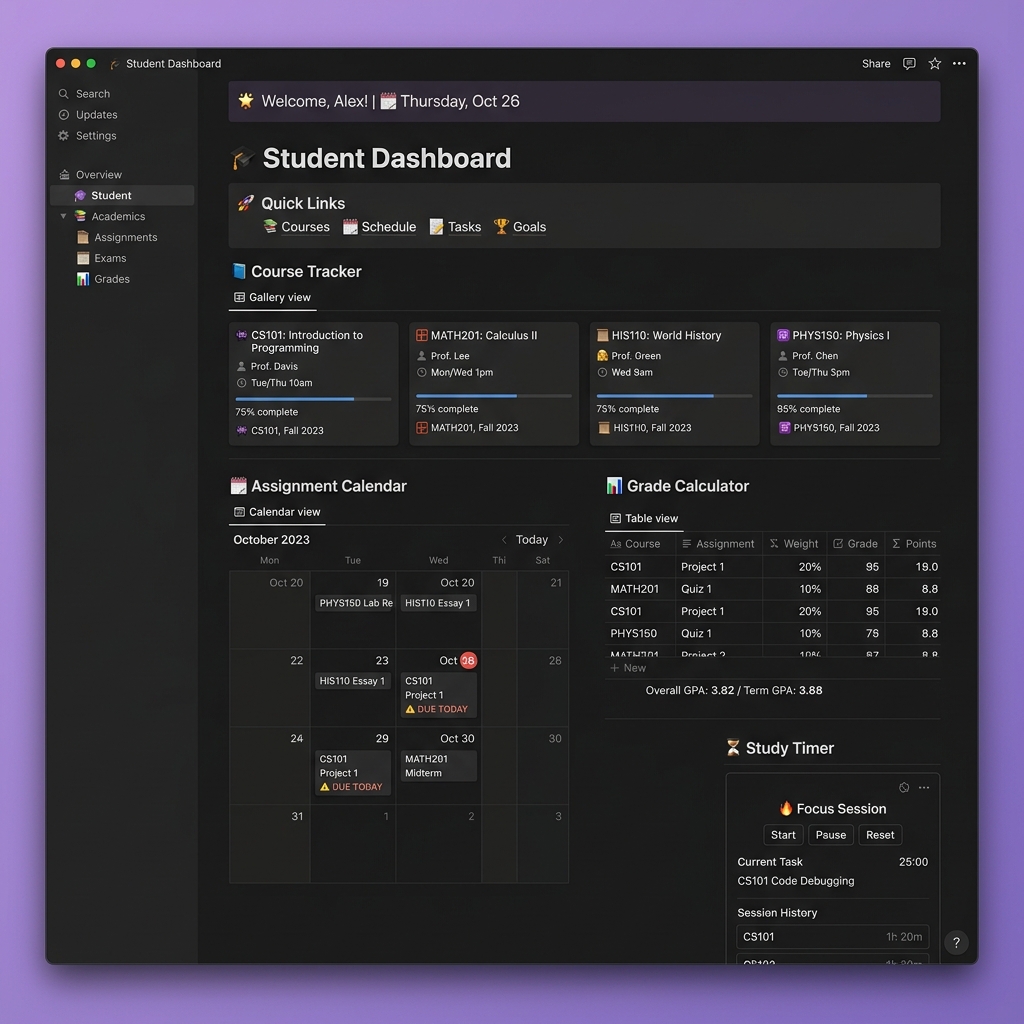
Students who want to balance academics with personal projects
Anyone who wants a beautiful, organized life — without building it from scratch

Key Features

Central Dashboard — Everything accessible from one beautiful home page with quick stats
Linked Databases — All sections are connected, no duplicate data entry ever
Dark & Light Themes — Included color variants for both Notion modes
Mobile Optimized — Works beautifully on Notion mobile app
Lifetime Updates — Get all future improvements for free

Frequently Asked Questions

Does this work on a free Notion account?
Yes! This template works perfectly on Notion's free plan. All features are compatible with free accounts. Some advanced features like unlimited blocks require a paid Notion plan, but the core template is fully usable for free.
Can I customize the template?
Absolutely! Once you duplicate it to your workspace, it's 100% yours. Change colors, rename pages, add your own sections, delete what you don't need — make it truly your own.
How do I access the template after purchase?
After completing your Gumroad purchase, you'll receive an email with a Notion link. Click it, then hit "Duplicate" to save it to your own Notion workspace. Takes less than 60 seconds.
Do I need any Notion experience?
No prior Notion experience needed! The included setup guide walks you through everything step by step. If you can navigate a website, you can use this template.
What is the refund policy?
7-day money back guarantee, no questions asked. If you're not happy for any reason, just email me at notivate.tech@gmail.com and I'll process a full refund promptly.

Customer Reviews

Coming Soon — be the first to review!
New Release
Leave a review after purchase

You May Also Like